 NovelAide
You write. AI keeps your whole novel straight
NovelAide keeps chapters, outline, characters, worldbuilding, plotlines, and timeline in one project on your own computer. Before the AI agent writes, it pulls in the chapter outline, earlier chapters, and relevant settings — and every change it makes can be reviewed and restored.
The real problem
By chapter 80, no human remembers the whole book
Writing the next sentence was never the hard part
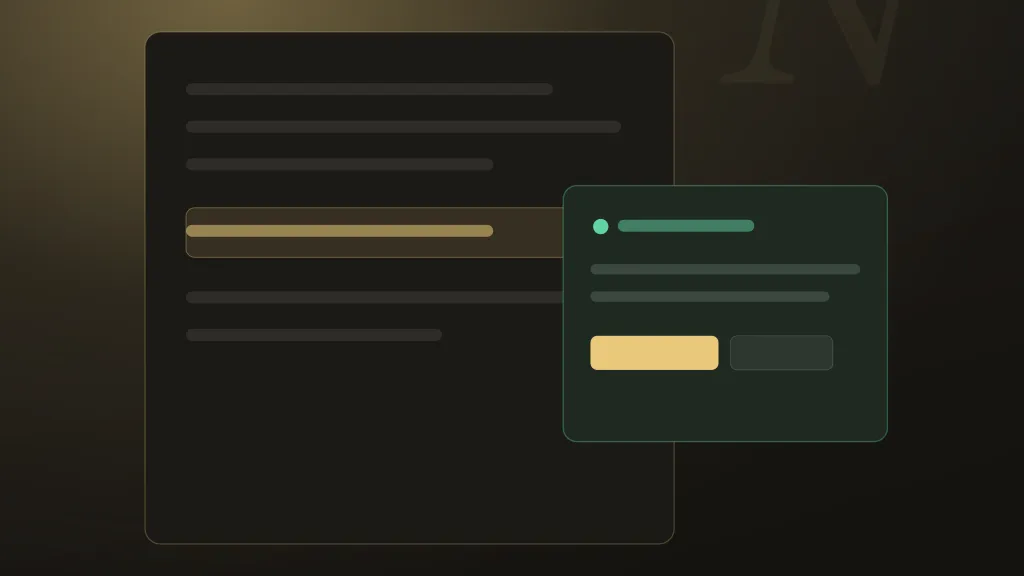
Remembering an entire novel is. NovelAide is built around that problem.Does this character actually know that yet?
Knowledge and timing slip across a long manuscript — and readers notice.
Chapter 12 contradicts chapter 80
Setting and timeline conflicts are easy to introduce and hard to find by hand.
The foreshadowing never paid off
Dropped threads and broken timelines hide in hundreds of pages.
Generic AI doesn't know your book
Most tools write the next paragraph blind to the last three hundred pages.
What NovelAide does
Built for long serialized fiction
Three capabilities carry the product. Everything else supports them.
Say what you need — draft a chapter, flesh out a character, tidy the outline, adjust a setting — and the agent does it right in your project. Every round of changes leaves a checkpoint you can diff and restore in one click, so you stay in charge.
Before each chapter, it brings in the chapter outline, earlier text, the characters and settings you name, and where the timeline stands right now — so chapter 80 still agrees with chapter 12.
Your manuscript lives in a project folder on your computer. Run AI offline with a local model, use NovelAide’s cloud models, or sign in with the ChatGPT or Claude subscription you already have.
Everything in the workbench
A complete long-form toolkit
Everything built around the agent and story memory.
Drafting, planning, revising, summarizing chapters
Hand it to the agent with the whole book in view — or write it yourself.
Characters, worldbuilding, scenes, plotlines, outline
Structured story material that AI can reference consistently.
Timeline & confirmed facts
Records what happened in each chapter and where characters stand, and brings it along when later chapters are written.
Reference works & research
Import reference novels or web material and let the agent consult the source text to study craft and setting.
Relationship map & artwork
See how characters connect at a glance, and generate images for characters, scenes, maps and covers.
Local export & 12 interface languages
Markdown, TXT, EPUB, PDF, DOCX — and a UI in 12 languages.
From one idea to a whole book, in one place
Start from an idea
Begin with a premise, an outline, or a manuscript you already have.
Build the book’s skeleton
Let the agent lay out worldbuilding, characters, scenes, plotlines and outline — you can change any of it.
Let the agent write
Say what this chapter needs; the agent pulls in the chapter outline, earlier text and relevant settings, then starts writing.
Track it on the timeline
What happens in each chapter and where characters stand go on the timeline, keeping later chapters consistent.
Review changes, restore anytime
Every round of changes leaves a checkpoint — look at the diff, then keep it or restore.
Revise & export
Export locally to Markdown, TXT, EPUB, PDF or DOCX for editing, proofing or submission.
Local-first, stated honestly
Where your work lives, and what AI sees
Stays on your device
Project files and manuscripts are stored locally by default. NovelAide offers no first-party manuscript cloud sync.
Sent when you use AI
When you choose a cloud AI feature, the selected text, story context, retrieved evidence and prompt for that task are sent to NovelAide’s gateway and third-party AI providers.
What NovelAide won’t do
We don’t use your manuscripts to train models, and there are no ads or tracking SDKs.
Frequently asked questions
Will my manuscript be uploaded to the cloud?
Your project lives on your device. When you use a cloud AI feature, only the context for that request is sent to the gateway and providers — there is no first-party manuscript cloud sync.
Do you train AI on my writing?
No. Your manuscripts are never used to train any model.
Do I need an account to write?
No. Local writing, organizing and export work without an account or a connection. Cloud AI features require an account.
How does AI pricing work?
Local writing and local models are free. When you sign in with your own ChatGPT or Claude subscription, usage counts against that subscription, not your NovelAide plan. NovelAide cloud AI requires a paid monthly plan, with usage deducted from its allowance — no provider API keys to manage.
Which AI models are supported?
Pick from three sources: local models running on your machine, NovelAide’s cloud models, and your signed-in ChatGPT or Claude personal subscription. Switch them in the app’s model settings; supported sources vary by feature.
Can I use it offline?
Writing, organizing and export work offline. Local AI can also run offline once the required components and models are installed. Cloud AI and personal subscription services need an internet connection.
Write a whole novel, not just the next chapter
Keep your book — and its memory — on your own machine.